


T700S Smartwatch – Large Display & Wireless Charging | TrackAura
Couldn't load pickup availability
Out of stock — get notified when it's back


Description
Description
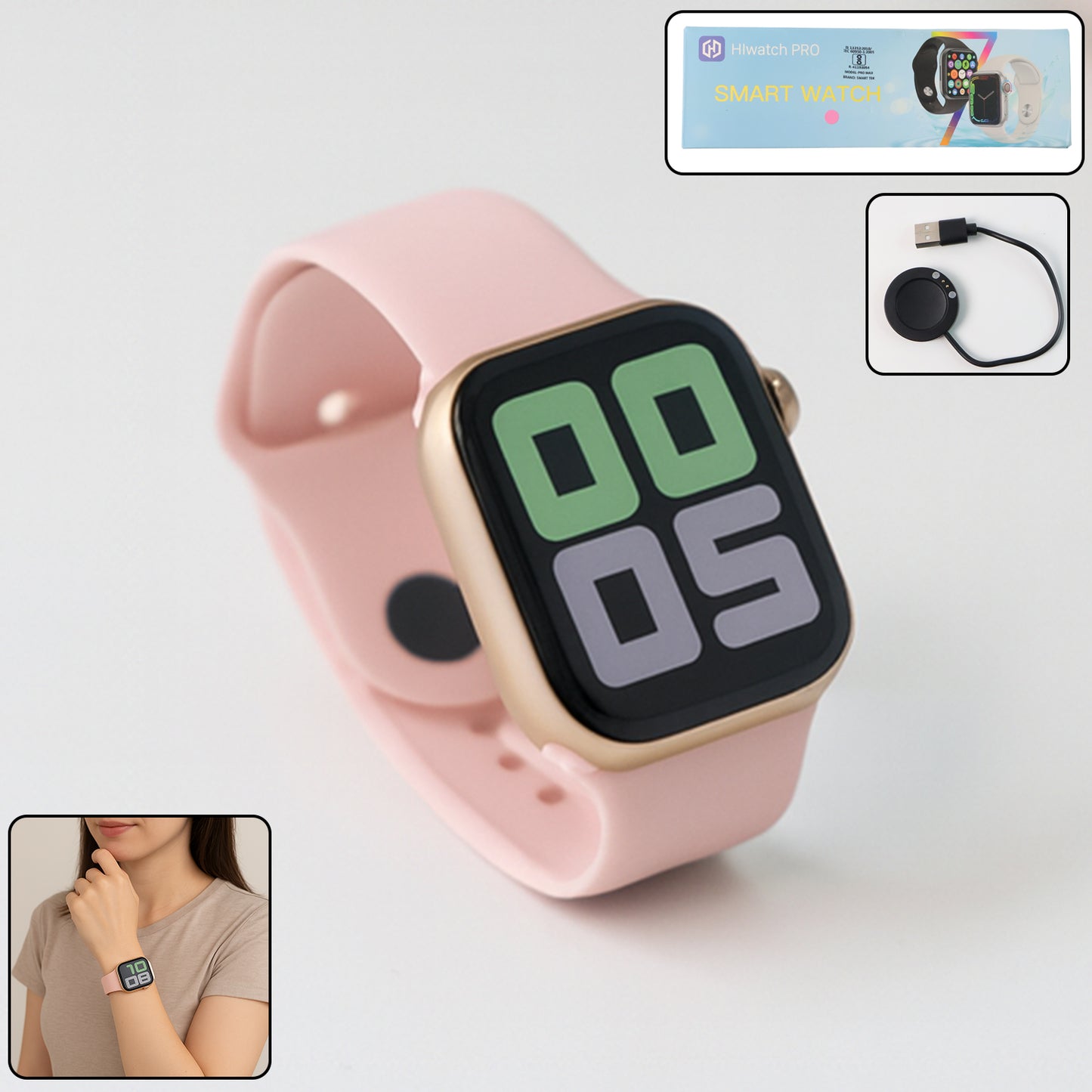
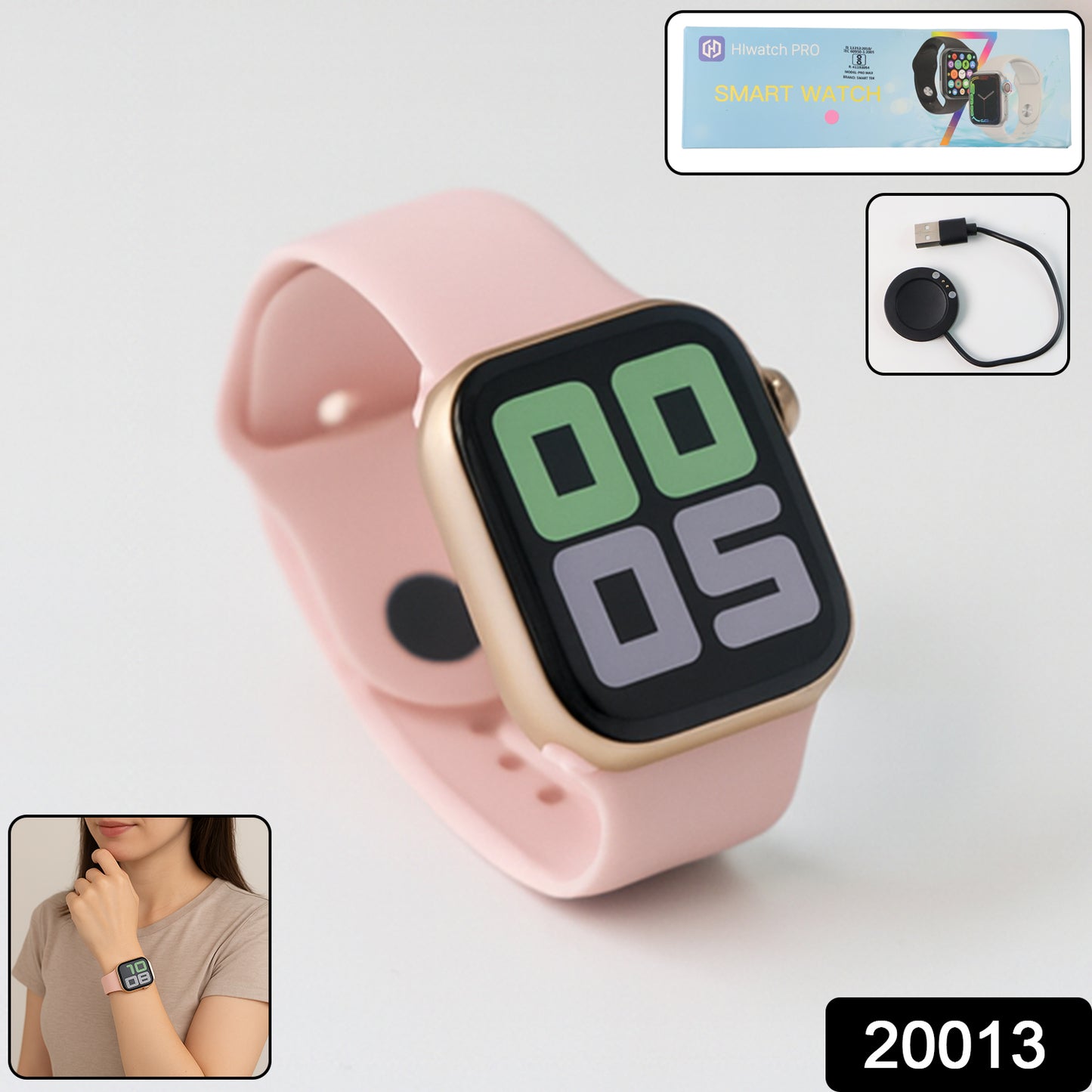
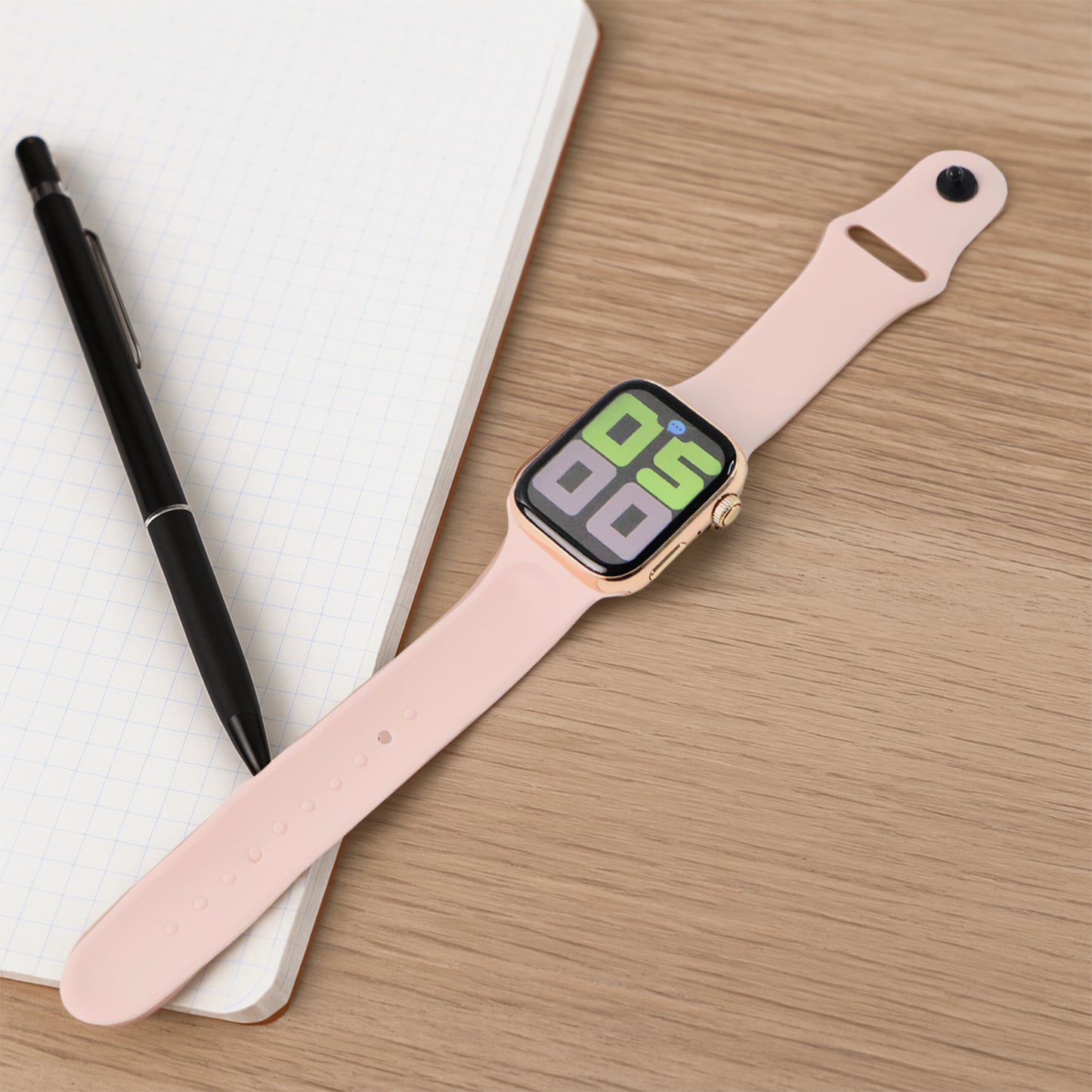
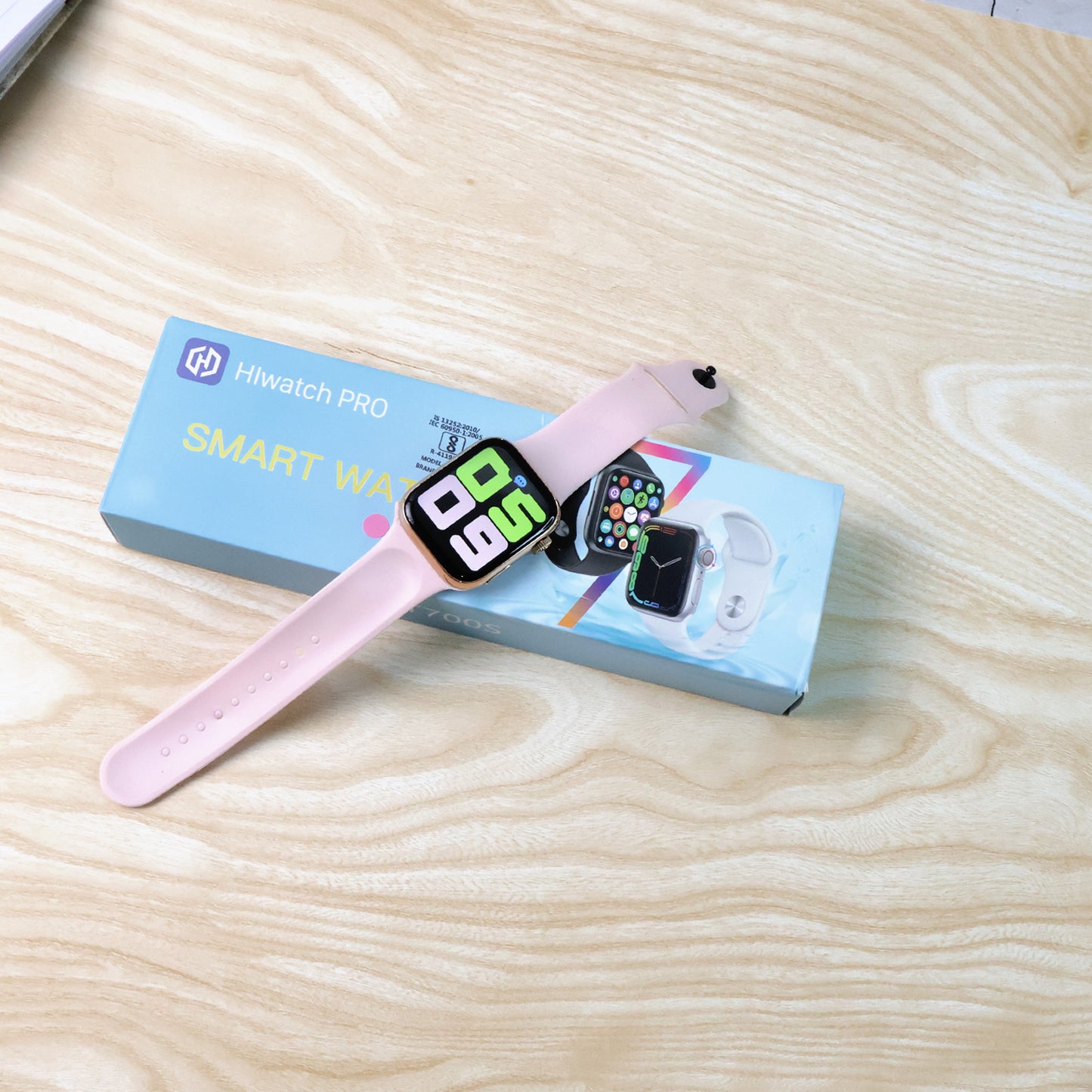
Elevate your daily routine with the T700S Smartwatch, a sophisticated wearable designed for the modern Indian lifestyle. This feature-packed device from TrackAura seamlessly blends style, convenience, and health monitoring, all powered by effortless wireless charging. Stay connected, track your fitness goals, and keep an eye on your well-being with this intuitive large display smartwatch, perfect for anyone seeking to enhance their digital experience on the go.
Key features
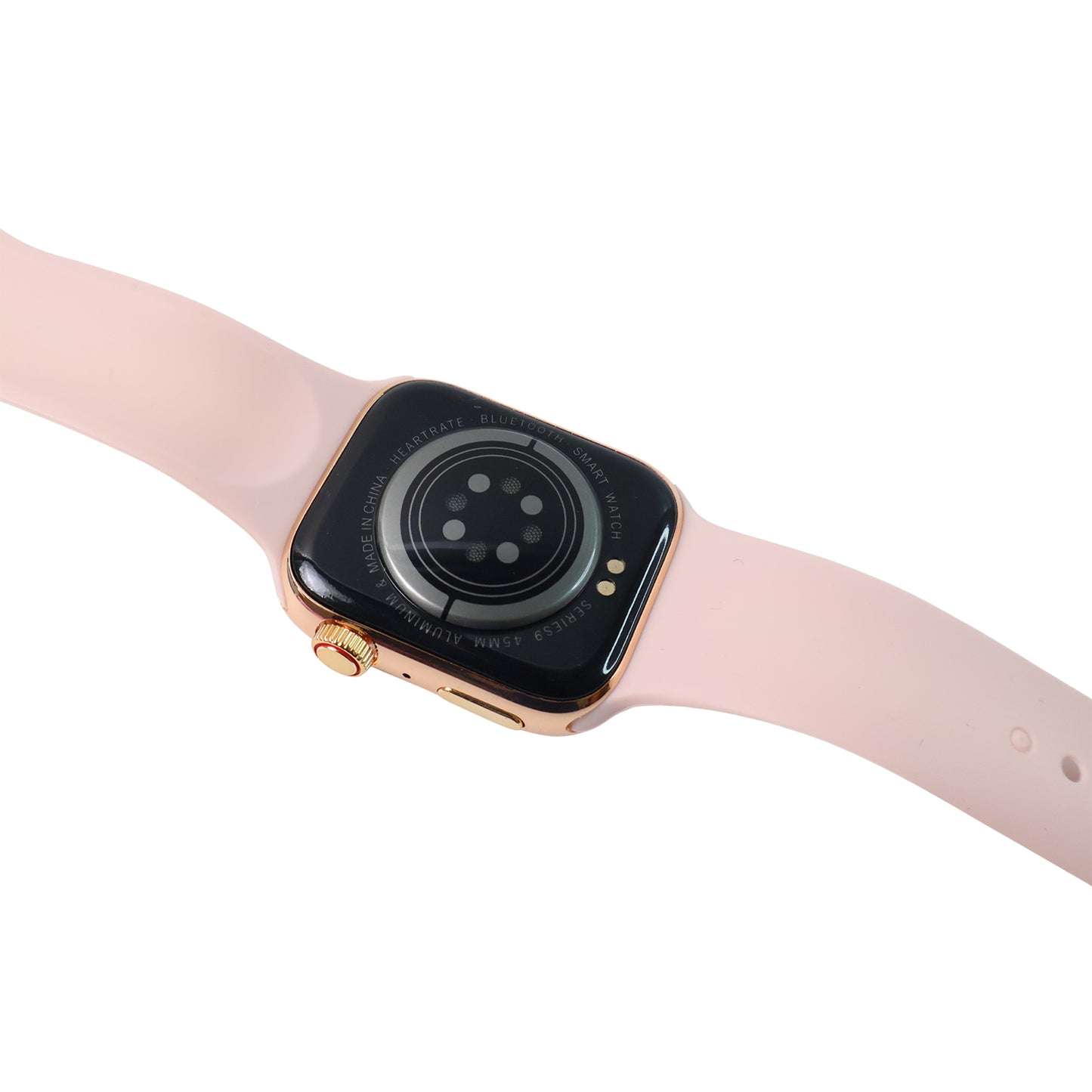
- Wireless Fast Charging: Enjoy the convenience of wireless charging, ensuring your T700S smartwatch is always ready for your adventures.
- Long Battery Life: Designed for endurance, this fitness tracker watch boasts extended battery life to keep up with your active schedule.
- Waterproof Design: Withstand daily sweating and light splashes, allowing you to focus on your workout without worry.
- Multifunctional Companion: Access smart functions like stopwatch, alarm clock, breathing guidance, and sedentary reminders for added daily convenience.
- Smart Notification Alerts: Receive SMS, SNS, and Gmail notifications directly on your wrist, so you never miss an important update.
- Comprehensive Sleep Monitoring: Gain insights into your sleep patterns with detailed analysis of your sleep quality, promoting better rest.
- Activity Tracking Function: Monitor daily steps, calories burned, distance, and activity time across multiple exercise modes like running and walking.
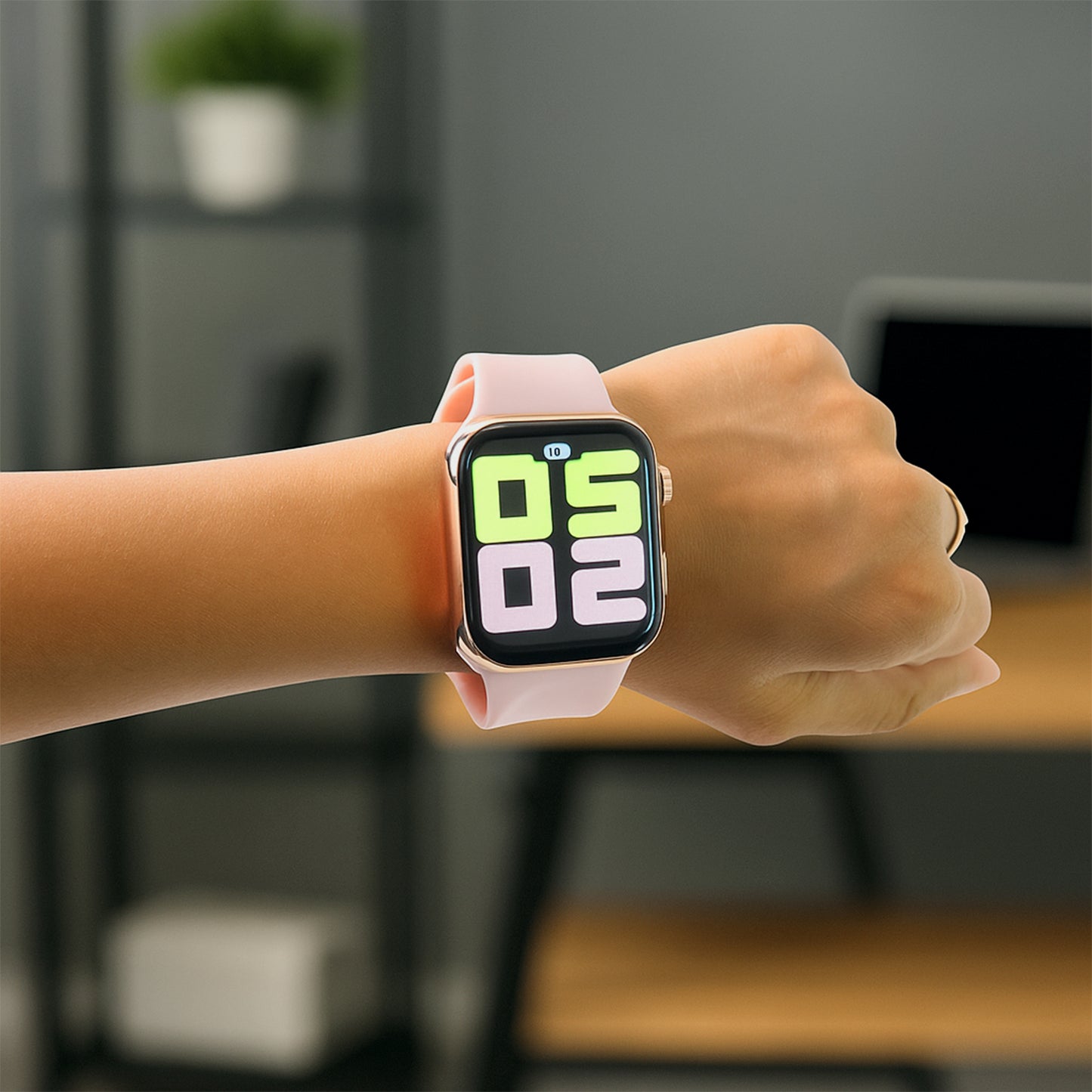
- Large Display: Experience clear visuals and easy navigation on the expansive, user-friendly screen.
How to Connect Your T700S Smartwatch
Follow these simple steps to pair your T700S Smartwatch with your smartphone and unlock its full potential:
Step 1: Charge the Smartwatch
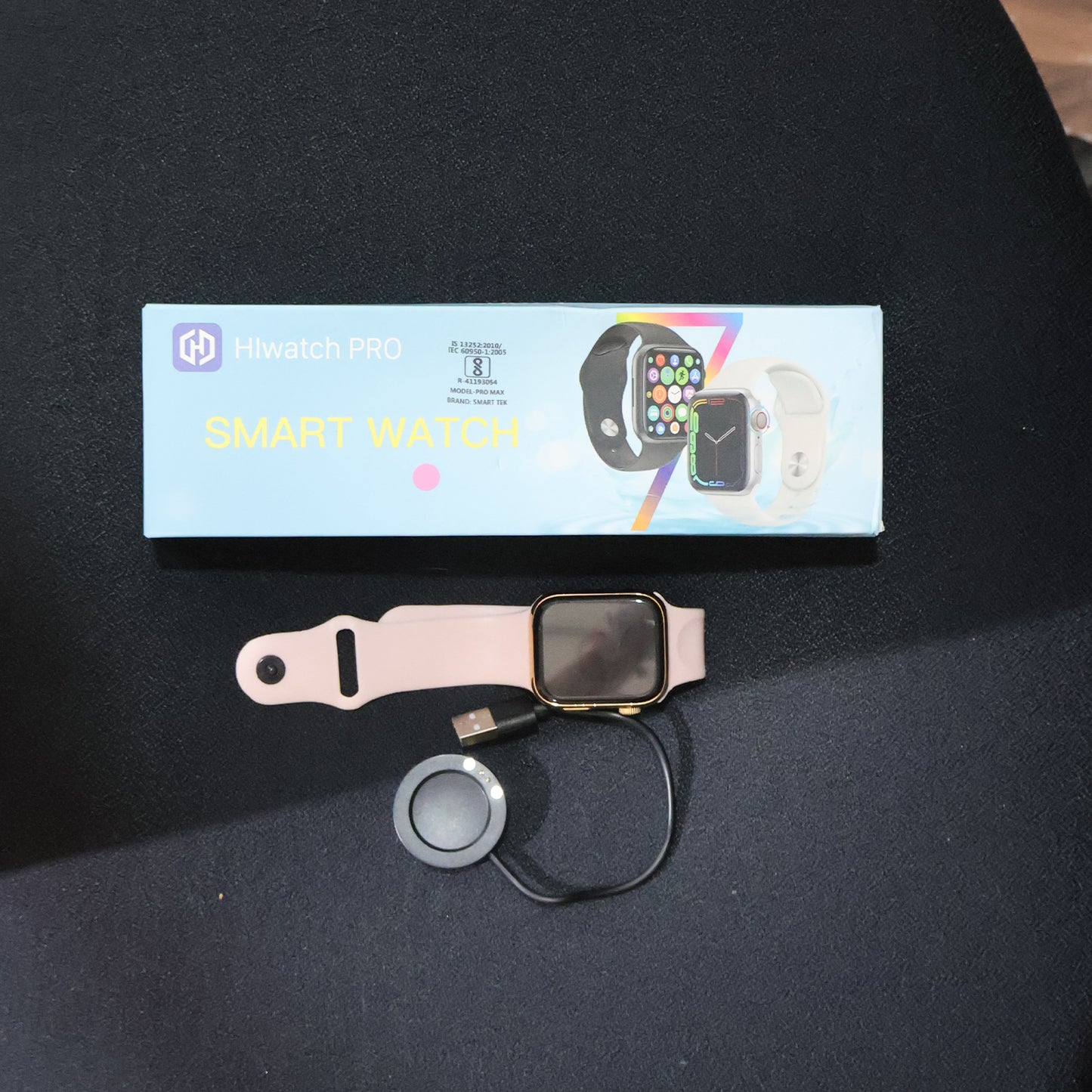
Before connecting, ensure your T700S smartwatch is fully charged using the wireless charger provided in the box.
Step 2: Power On the Smartwatch
- Press and hold the power button for 3–5 seconds.
- Wait until the smartwatch screen turns on and boots up completely.
Step 3: Download the Companion App
- Open the Google Play Store (Android) or App Store (iPhone).
- Search and download the app: “FitPro” or “Dafit” (based on your smartwatch manual).
- [Note: Please confirm the exact app from the smartwatch user guide or packaging]
Step 4: Turn on Bluetooth on Your Smartphone
- Go to Settings > Bluetooth and enable Bluetooth.
- Do not connect directly from phone Bluetooth settings (unless asked).
Step 5: Open the App and Register/Login
- Open the FitPro or Dafit app.
- Grant all permissions (location, Bluetooth, etc.).
- Register an account or continue as a guest.
Step 6: Pair the Smartwatch
- In the app, go to “Device” or “Add Device” section.
- Tap Search/Scan – it will list nearby devices.
- Select T700S (or similar name like Smartwatch, T700S).
- Tap to connect.
Step 7: Confirm Pairing
- A pairing request will appear on both the watch and phone.
- Tap Pair / Allow / Confirm on both devices.
Step 8: Sync Data
- After successful pairing, the T700S smartwatch will sync time, notifications, contacts, etc.
- You can customize notifications, alarms, and more from the app settings.
FAQ
- Q1: Does the T700S Smartwatch support calling directly?
- A: No, this T700S Smartwatch supports receiving notifications for calls and messages, but it cannot make or send calls/text messages directly from the watch. It keeps you updated on your wrist.
- Q2: What app should I use to connect the T700S Smartwatch?
- A: You should download either the "FitPro" or "Dafit" app from your smartphone's app store. Please refer to your smartwatch's user manual or packaging to confirm the exact companion app for your model.
- Q3: Is the T700S Smartwatch compatible with both Android and iOS devices?
- A: Yes, this versatile fitness tracker watch is designed to be compatible with a wide range of cell phones running both Android and iOS operating systems, ensuring broad connectivity.
- Q4: How do I charge my T700S Smartwatch?
- A: The T700S Smartwatch comes with a wireless charger. Simply place your watch on the charging pad to power it up conveniently and efficiently.
- Q5: Can I track my daily steps and calories with this watch?
- A: Absolutely! The T700S Smartwatch includes a robust activity tracking function that records daily steps, calories burned, distance walked, and overall activity time throughout your day.
Product Dimensions
| Length | 24 cm |
| Width | 8 cm |
| Height | 2 cm |
| Weight | 140 g |
Country Of Origin :-
GST :-

Explore This Also


Customers who bought this item also bought







Recently Viewed Products


- Choosing a selection results in a full page refresh.
- Opens in a new window.